Overview
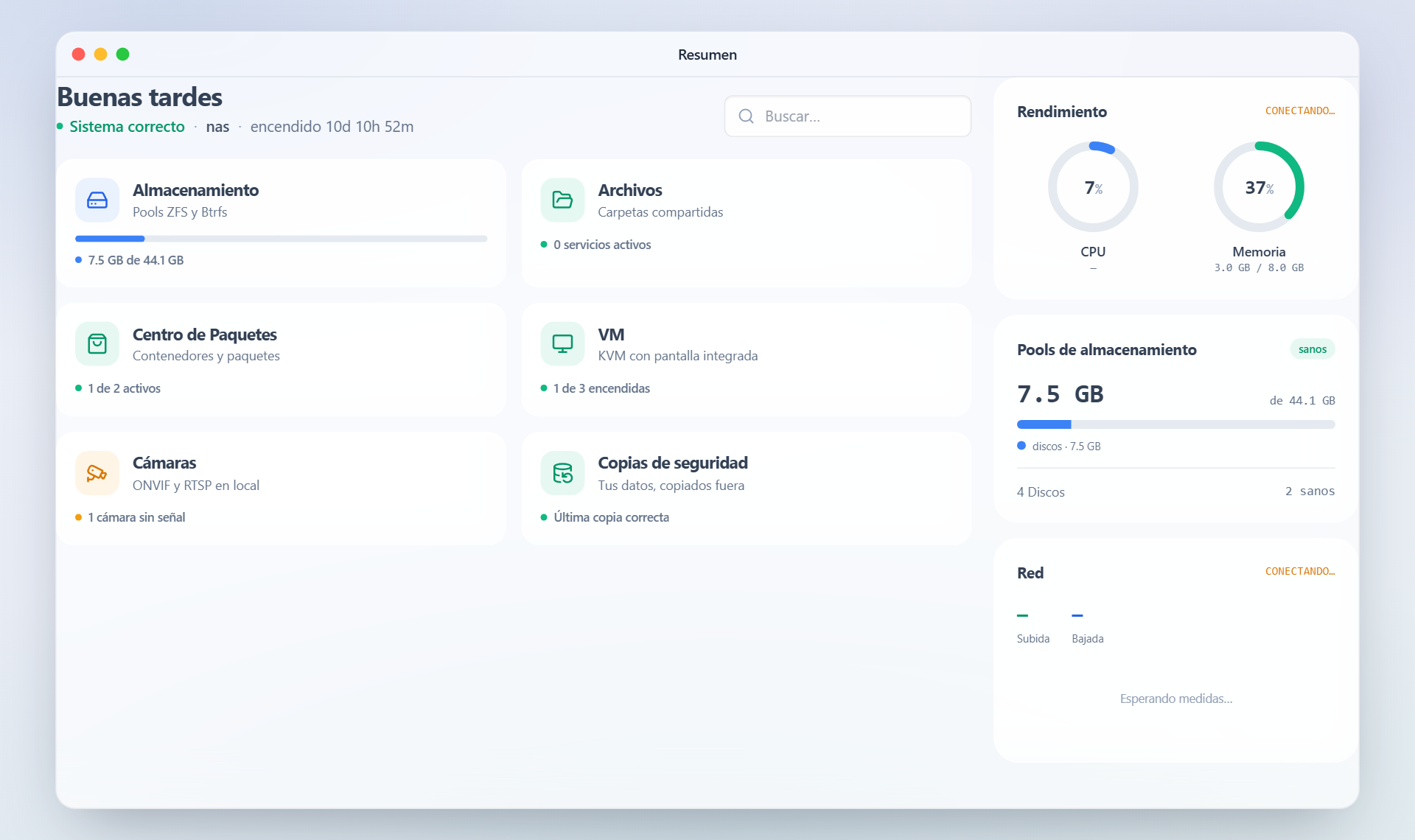
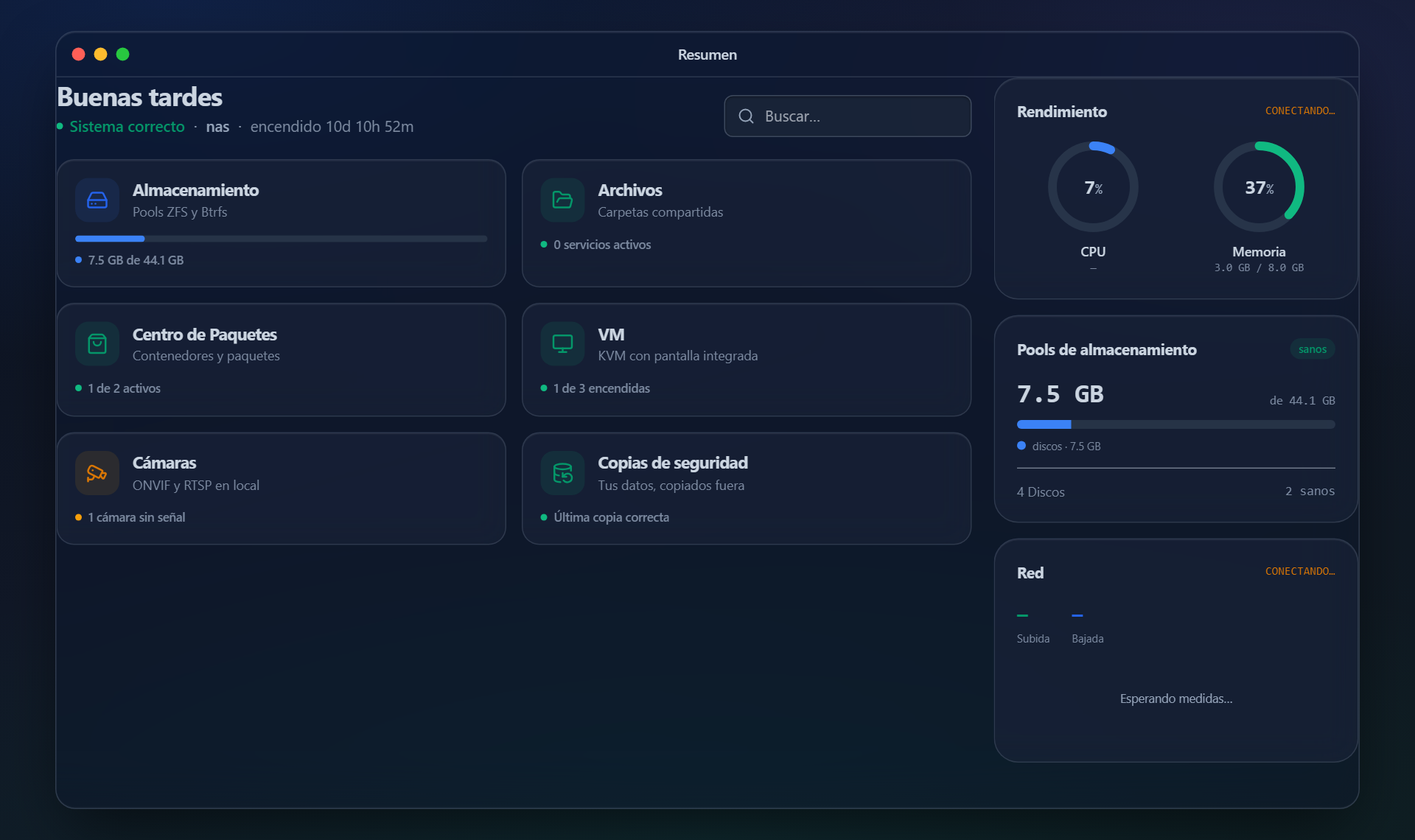
The first screen: whether the system is healthy, how much space is left, whether the last backup went through, which machines are running and which cameras are recording. The one you glance at in passing.
The twelve in the panel, one by one and with the real screen —these shots come from the apps actually running, not from a mock-up—. And below, the ones you install yourself from the package centre.
The first screen: whether the system is healthy, how much space is left, whether the last backup went through, which machines are running and which cameras are recording. The one you glance at in passing.
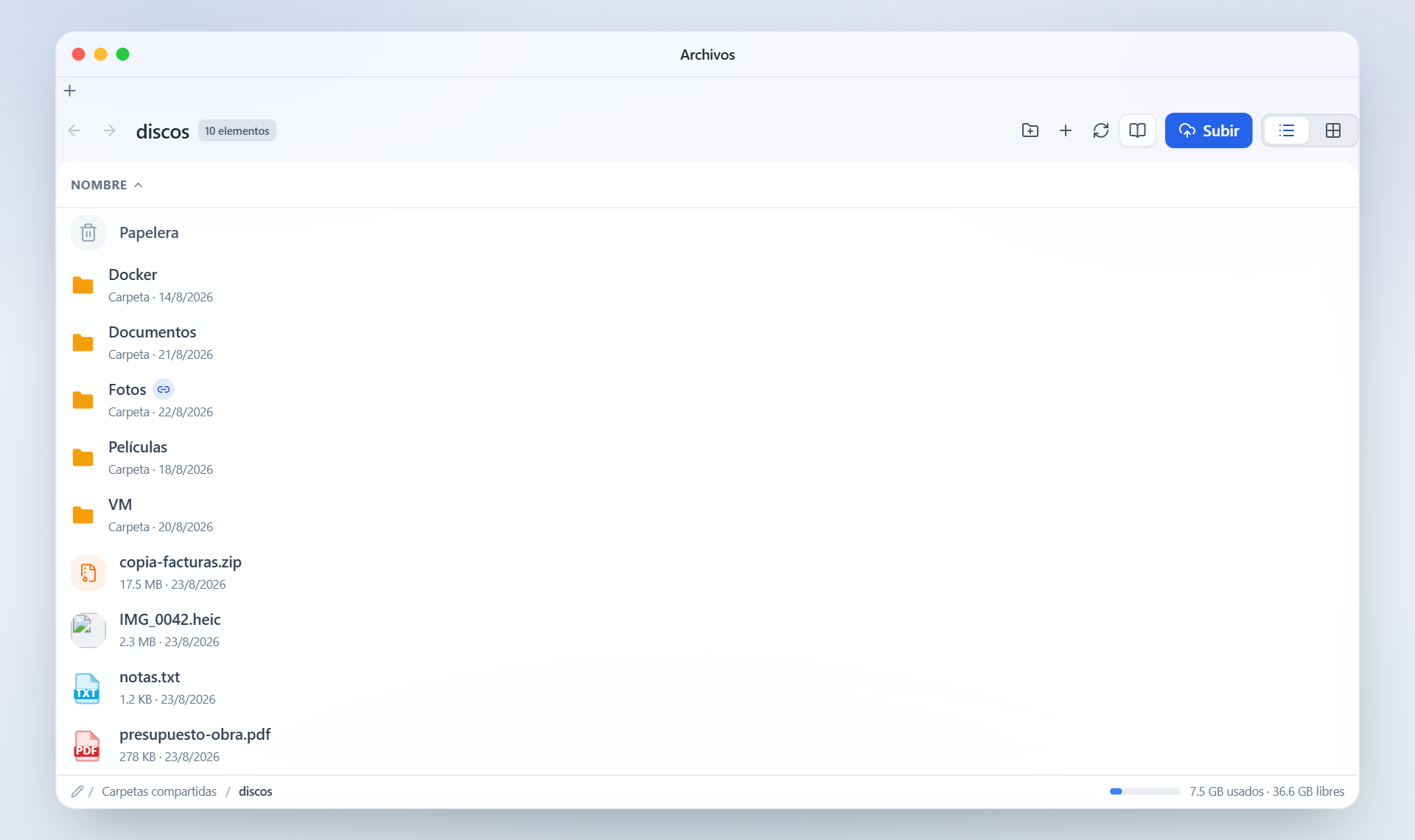
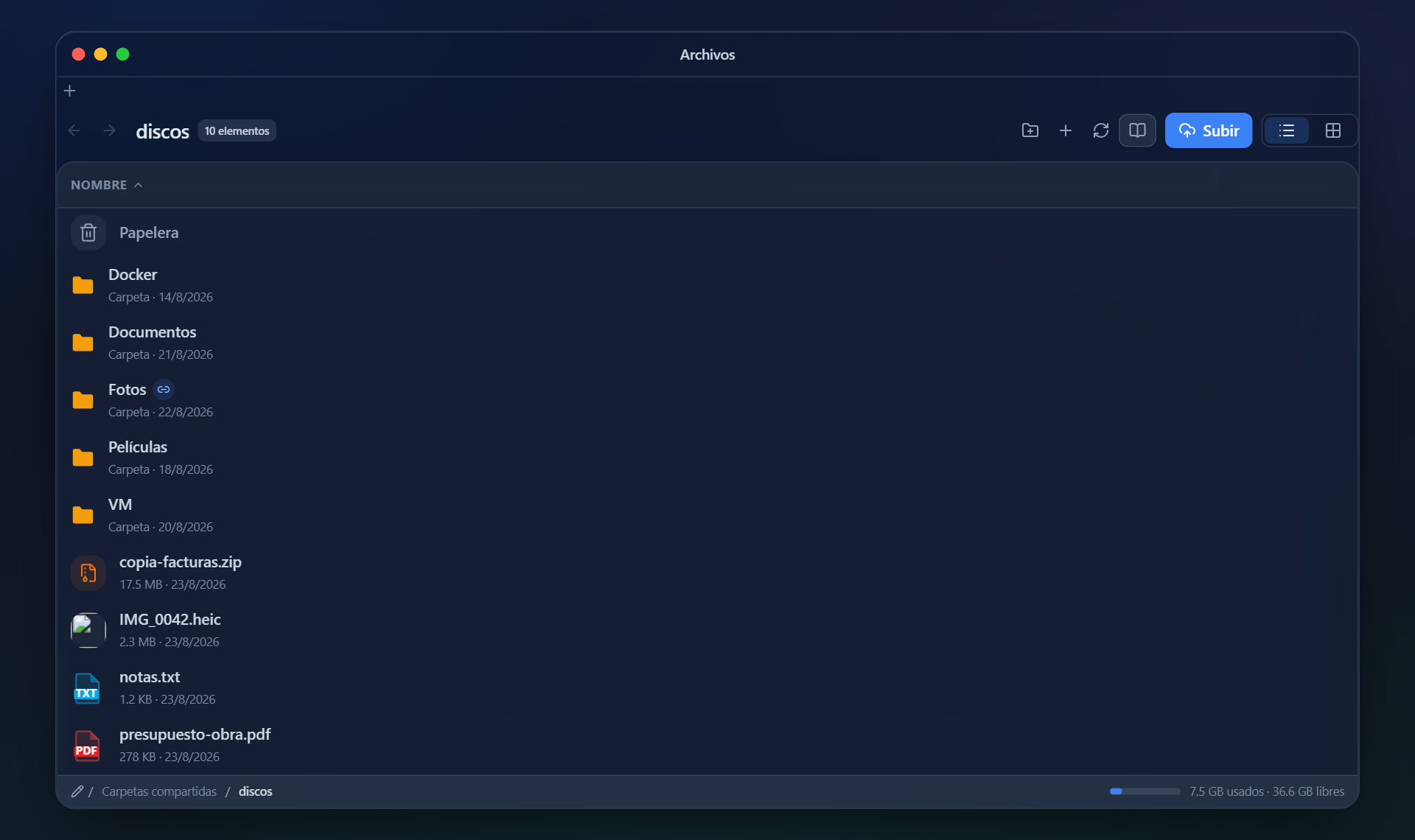
Your shared folders, never the system tree. Drag and drop, a recycle bin, search inside documents and public links with an expiry date.
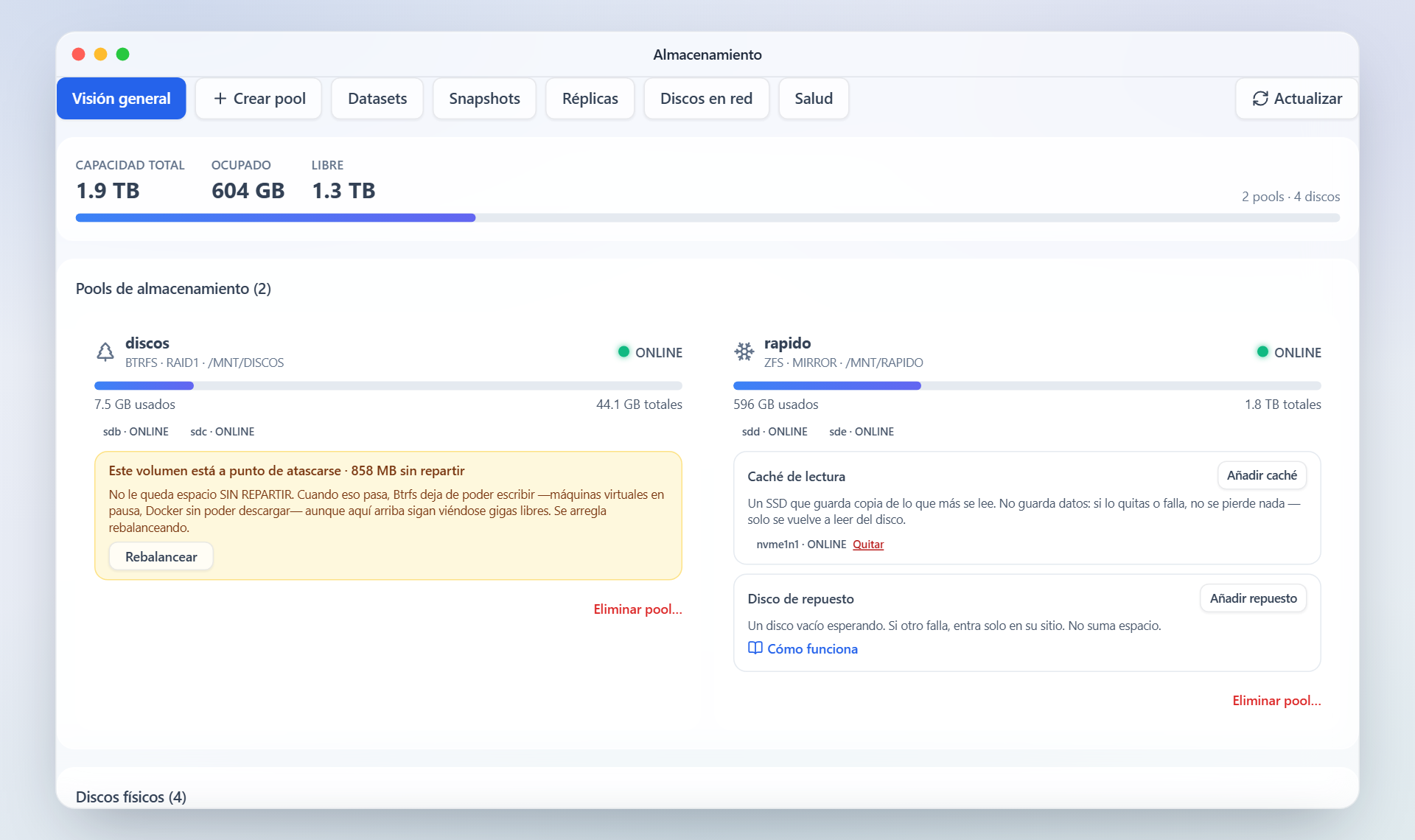
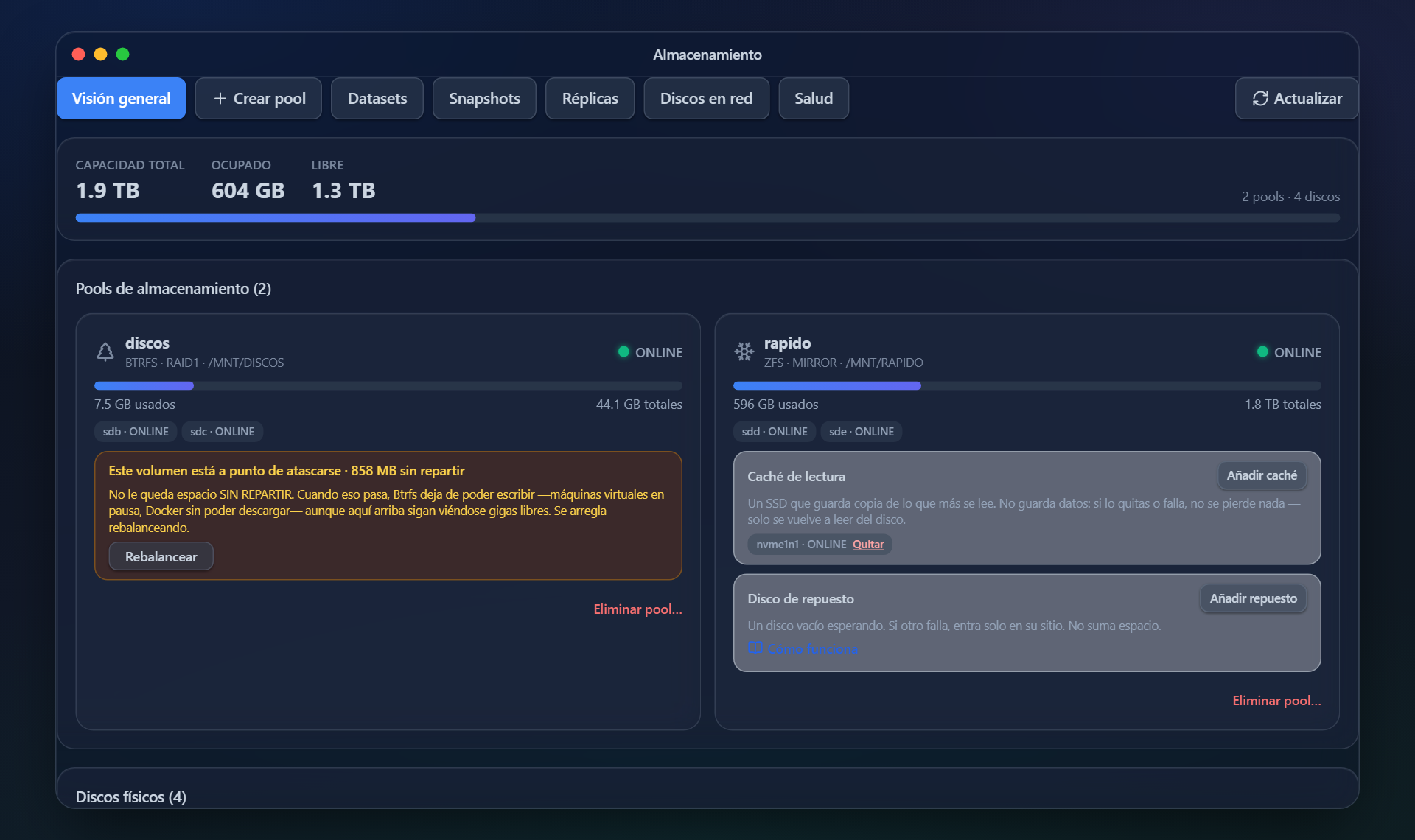
Your disks turn into one volume with the redundancy you pick —ZFS or Btrfs— and from then on you forget about them: snapshots, SMART, scrubs and a warning when something starts to go wrong.
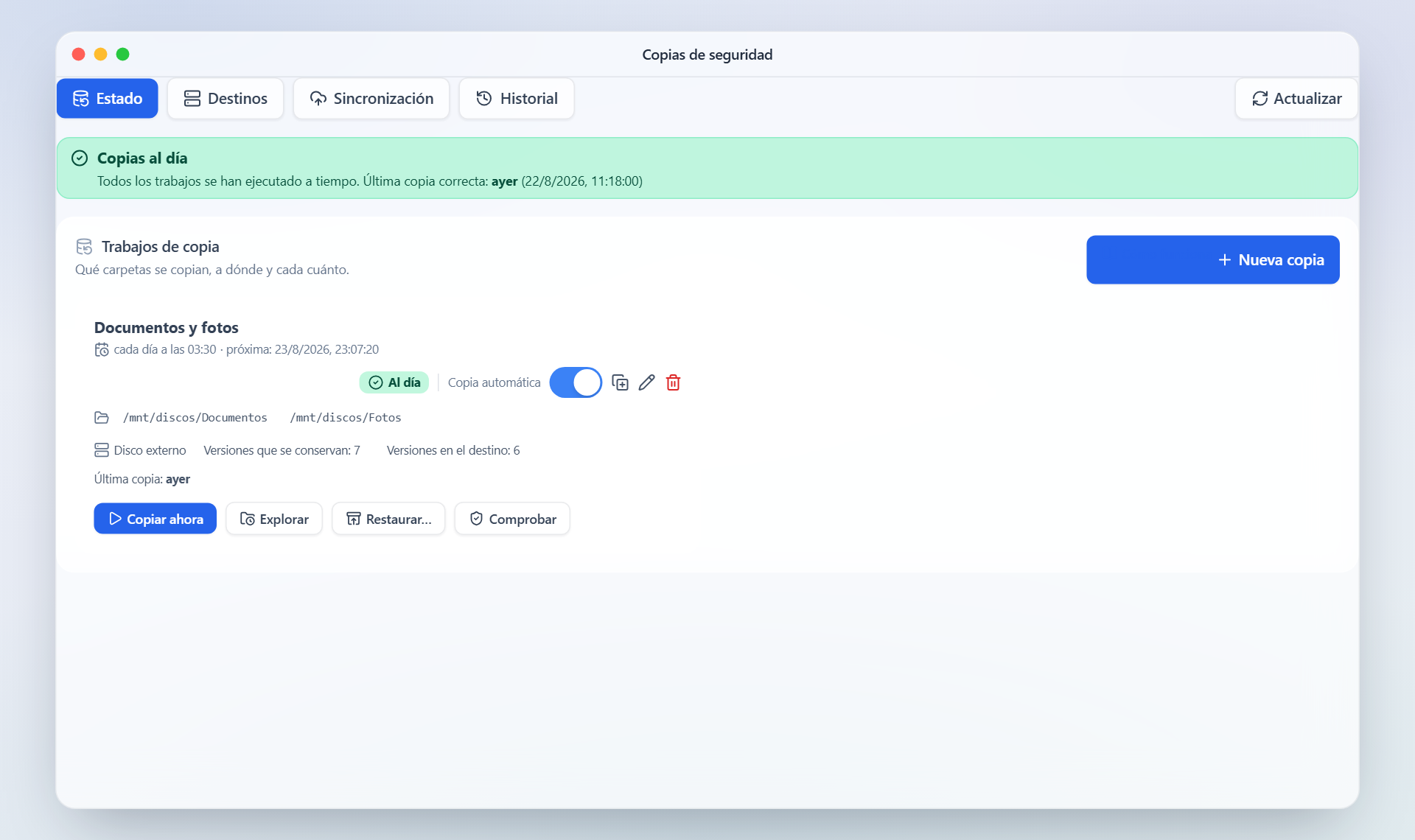
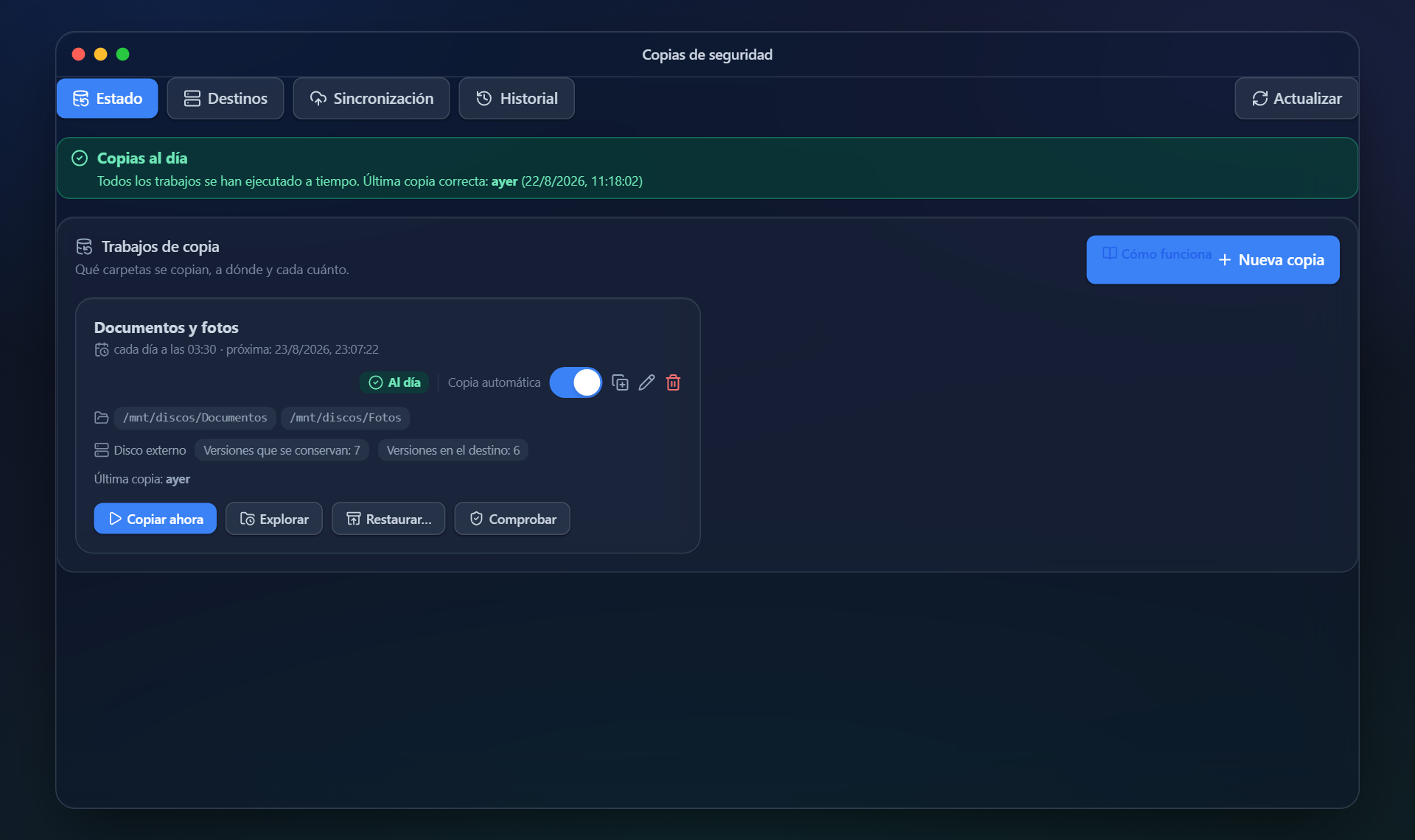
To a USB disk, to another machine over SSH or to whichever cloud you use, with versions and a check that what was copied can actually be restored.
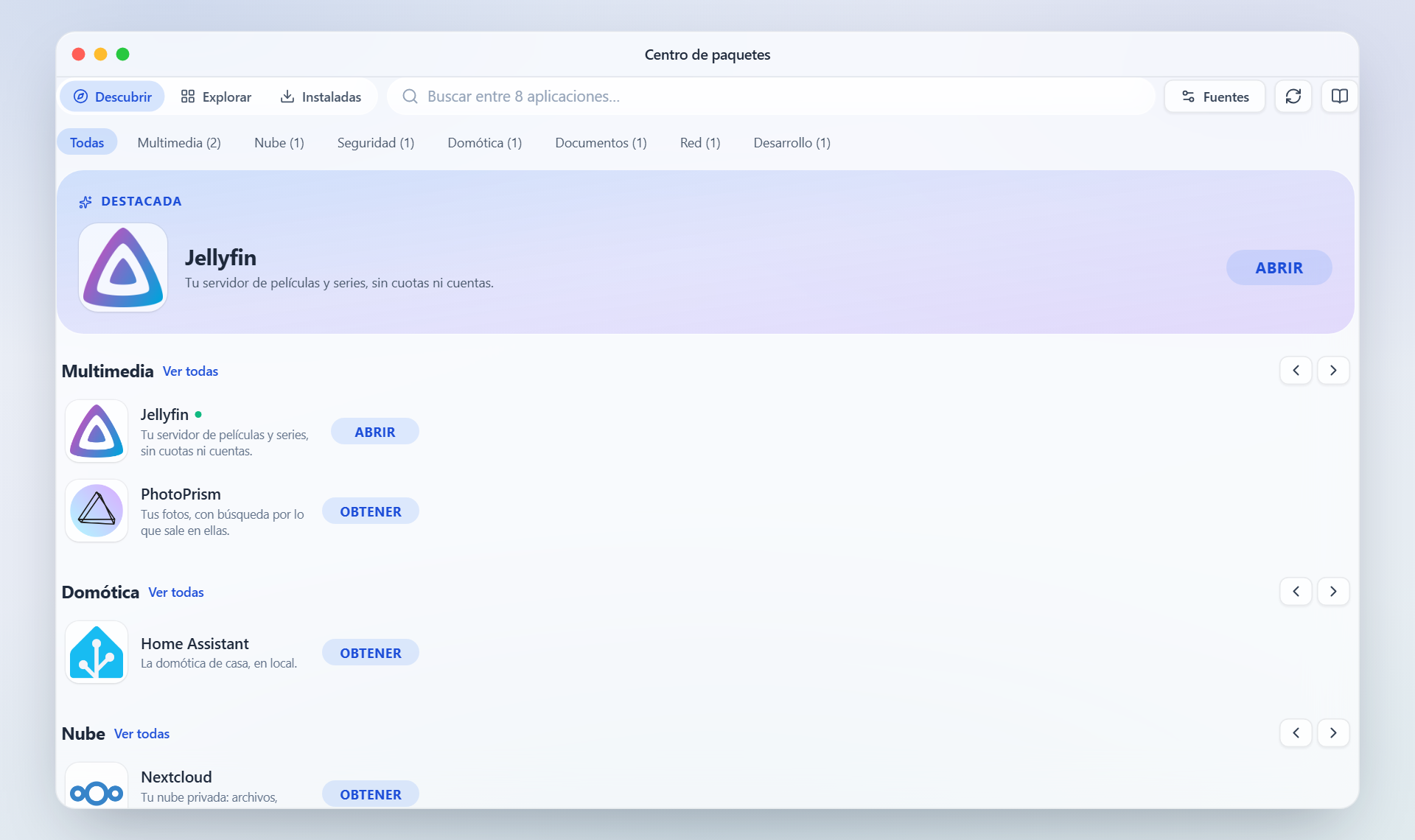
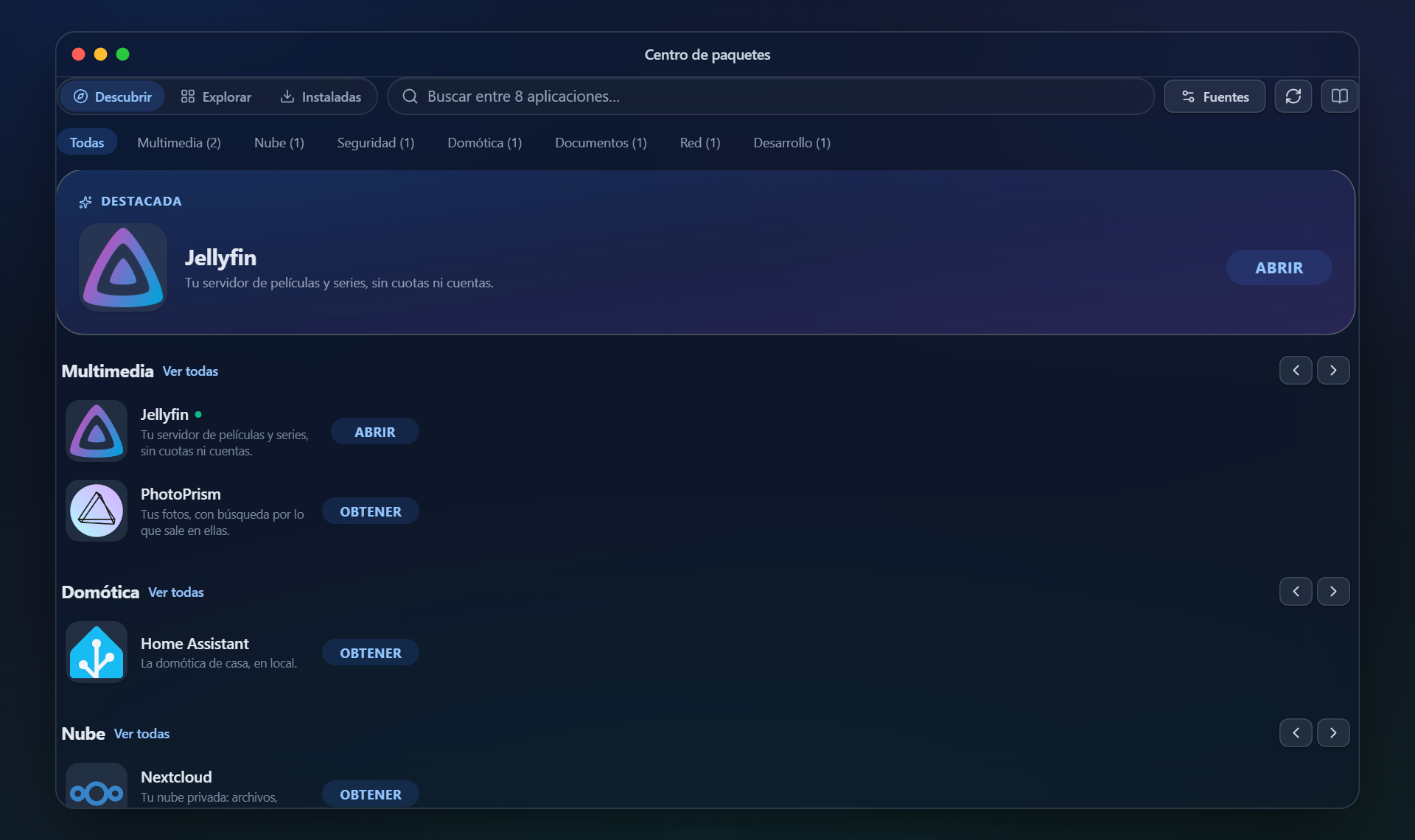
Thirty own recipes with their logo and their data inside the volume, plus the Unraid and CasaOS catalogues, which the NAS converts by itself.
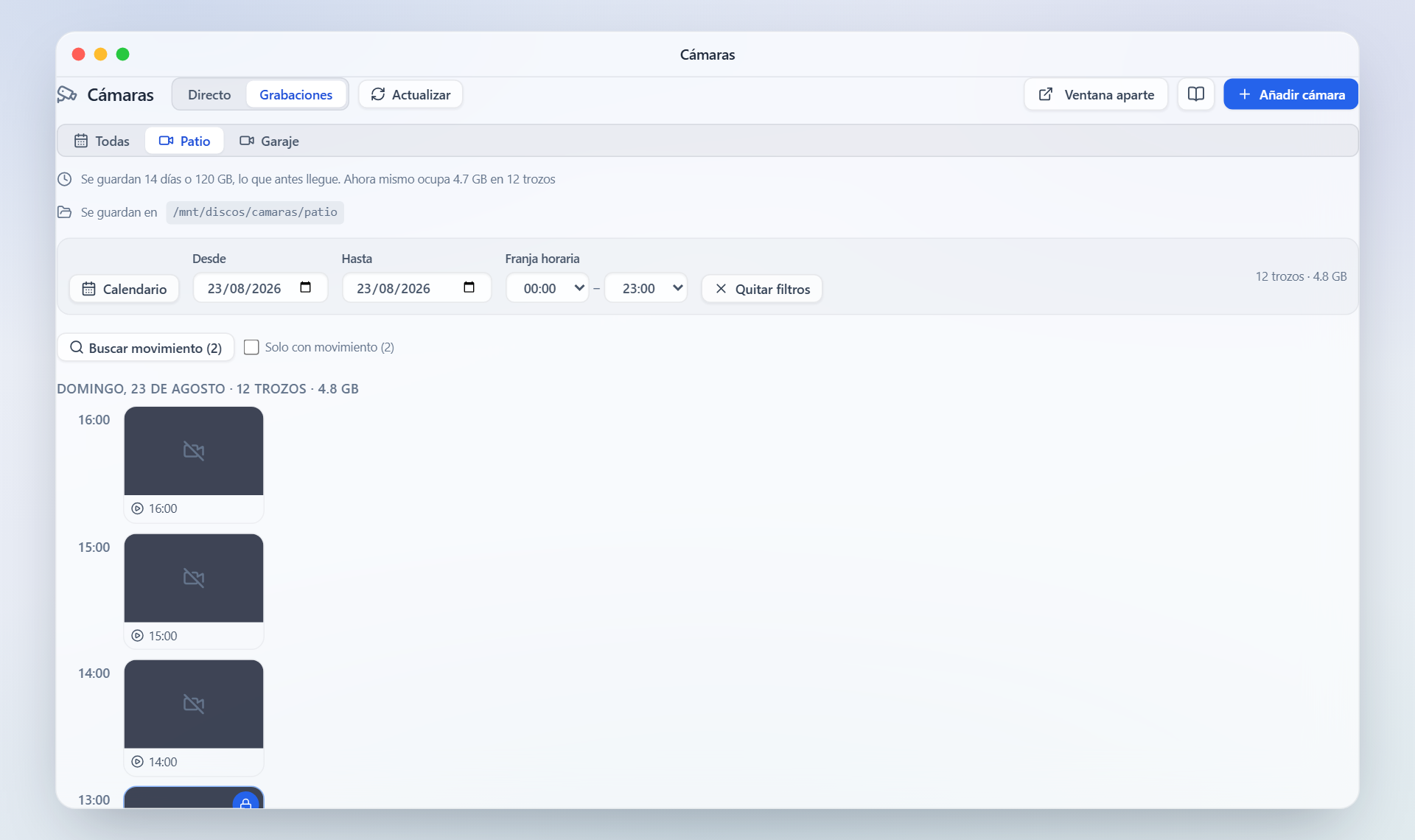
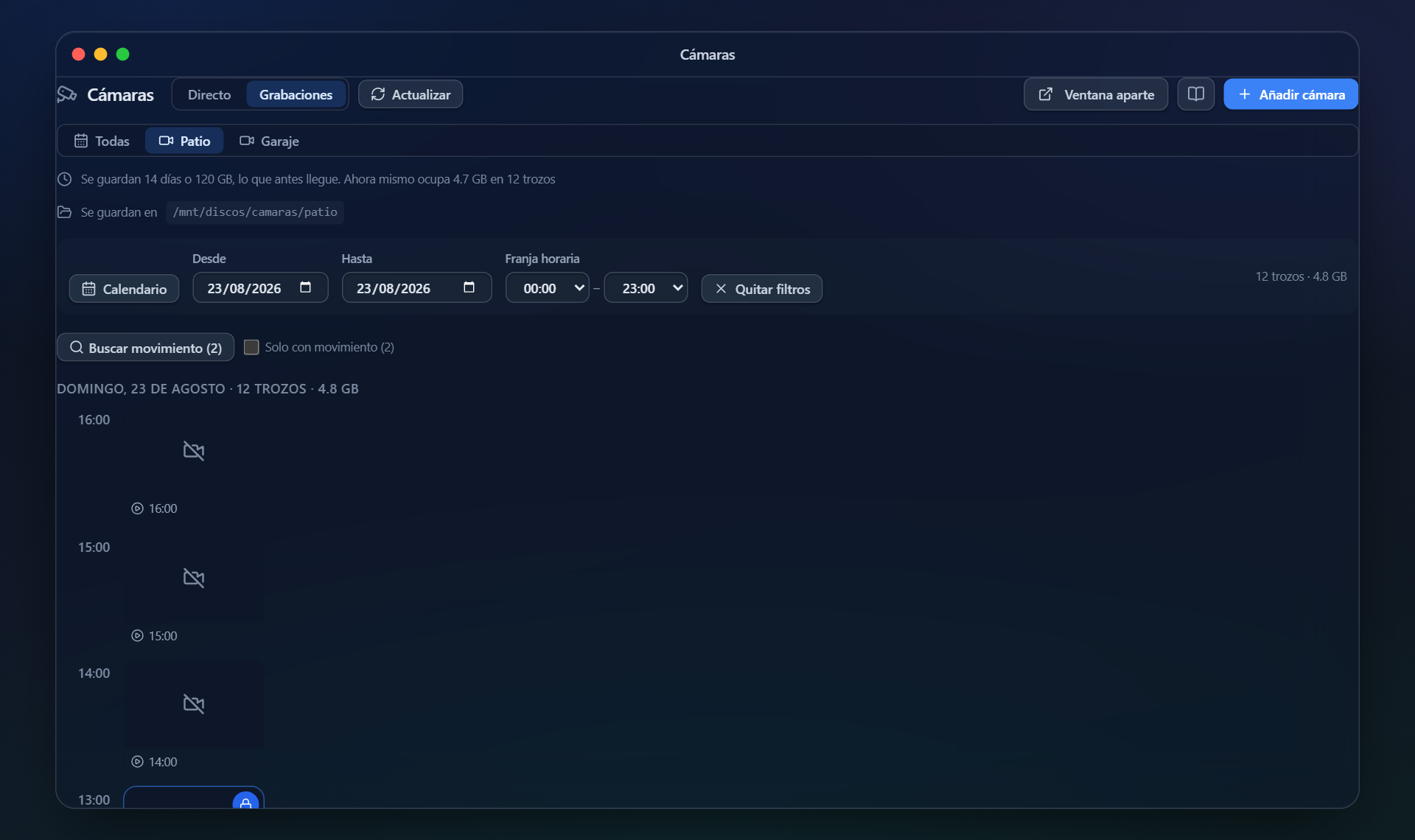
Video surveillance on the NAS itself: ONVIF and RTSP, continuous or motion recording, and retention by days or by gigabytes so the disk never fills up.
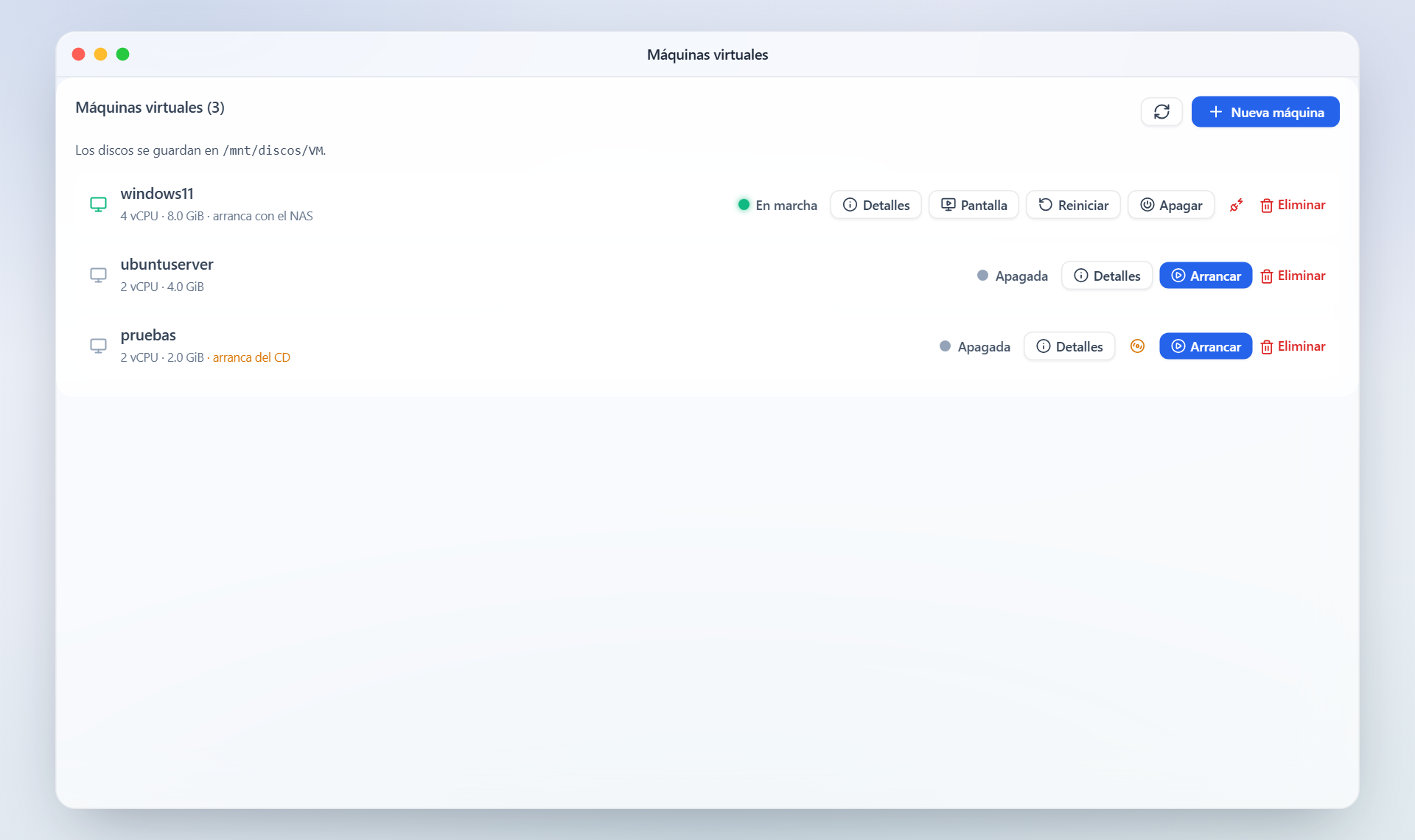
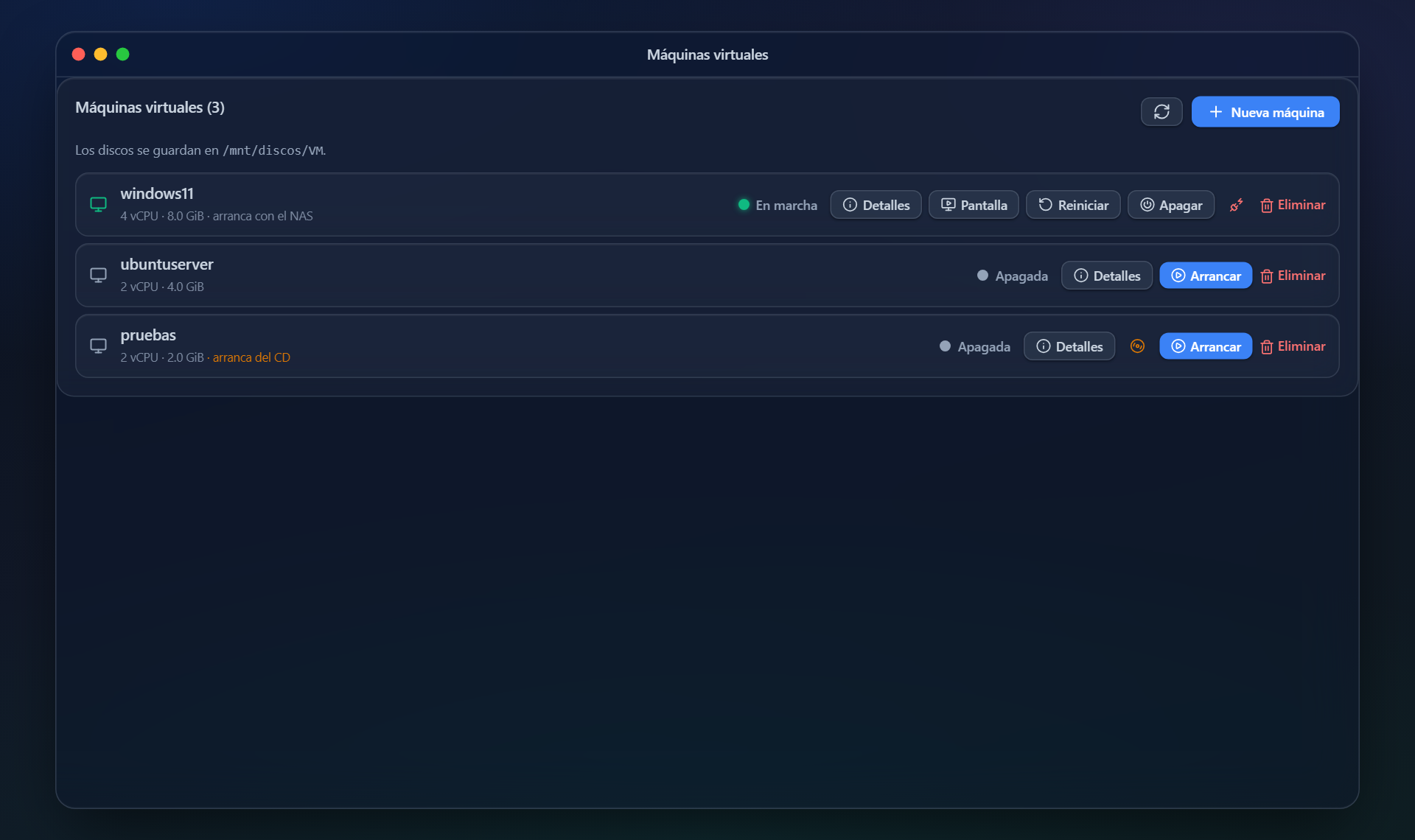
Windows or Linux on KVM, with the screen inside the panel. UEFI, secure boot and TPM for whatever needs them.
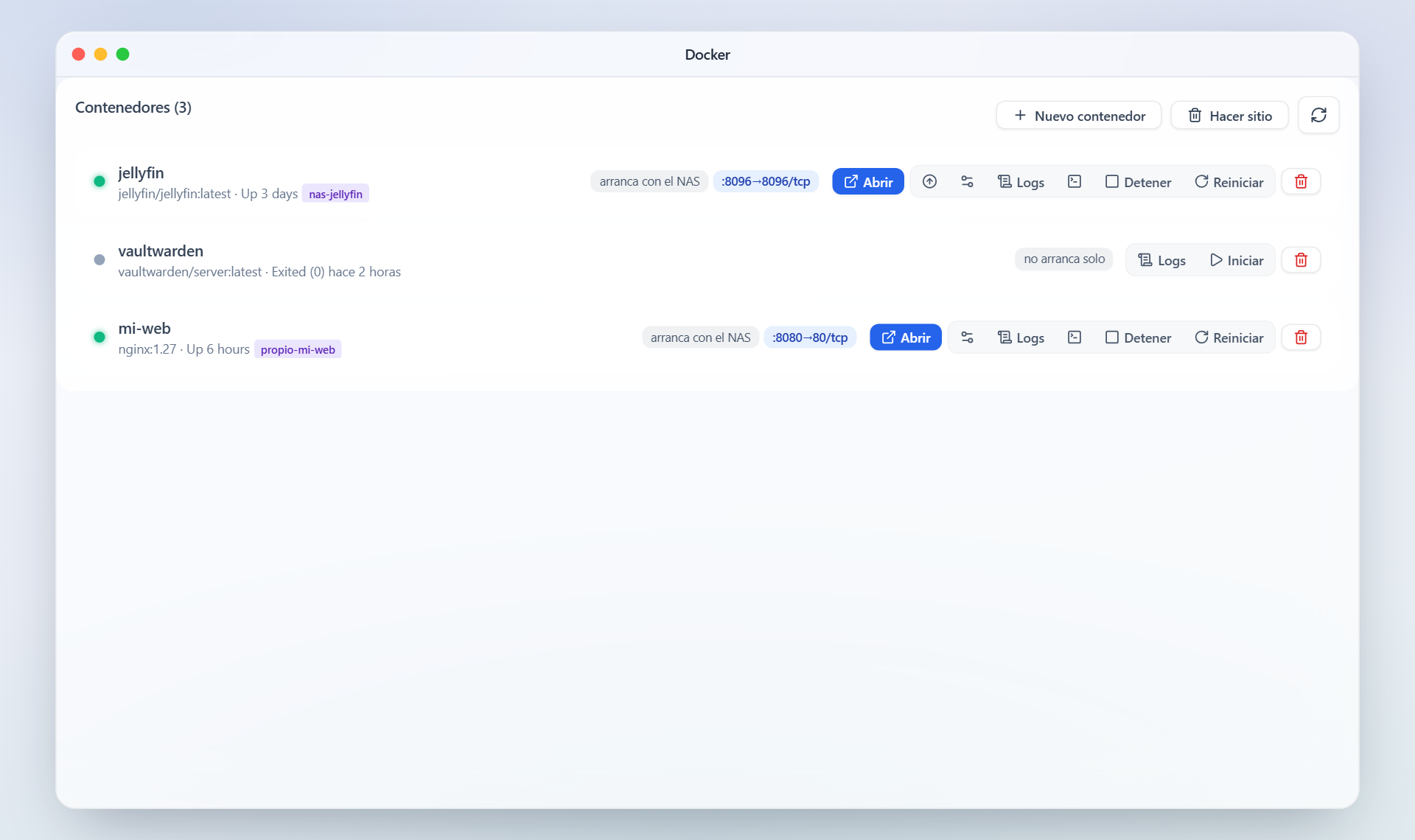
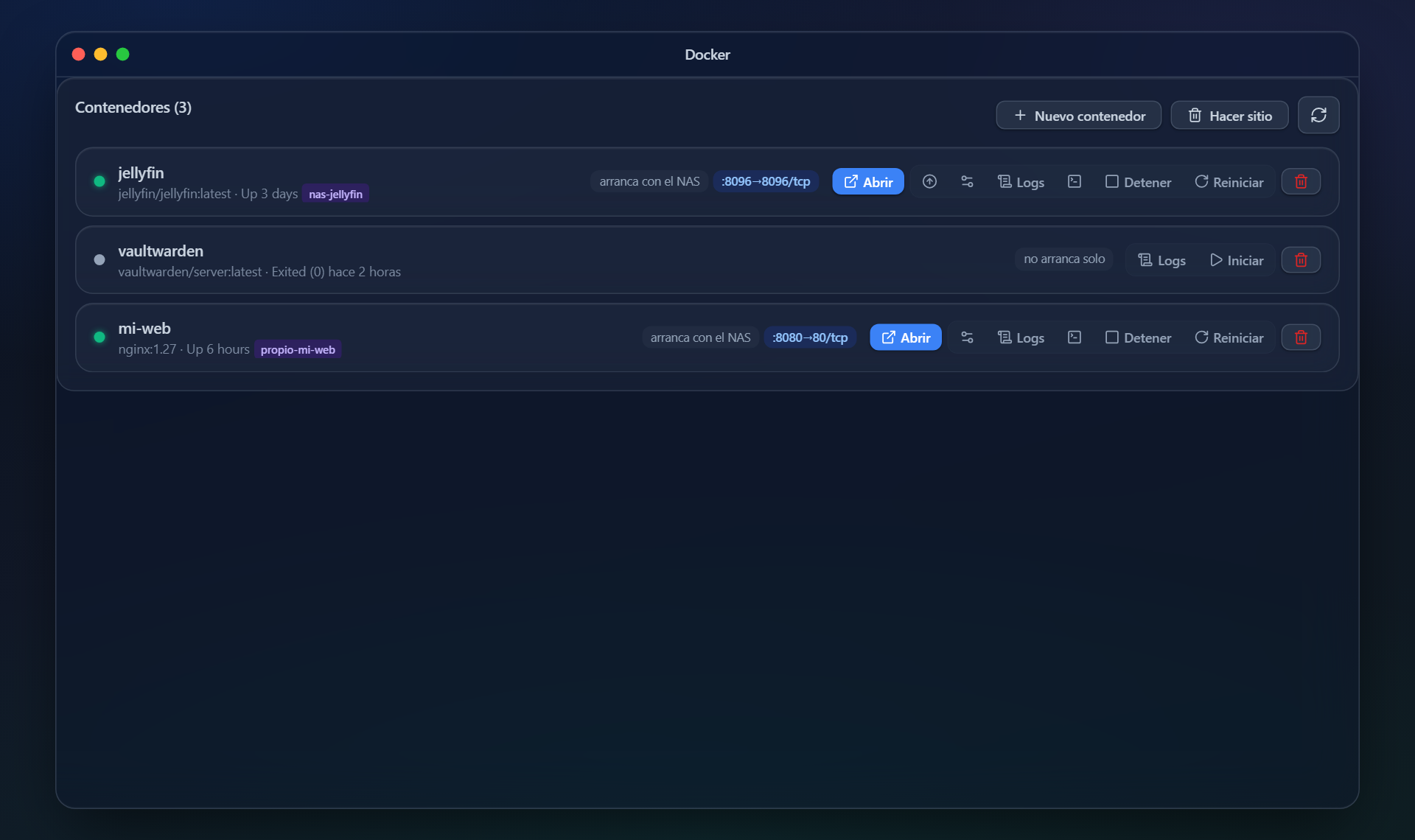
Your containers, with an editable compose file, a console and a clean-up for old images. Without leaving the browser and without learning another tool.
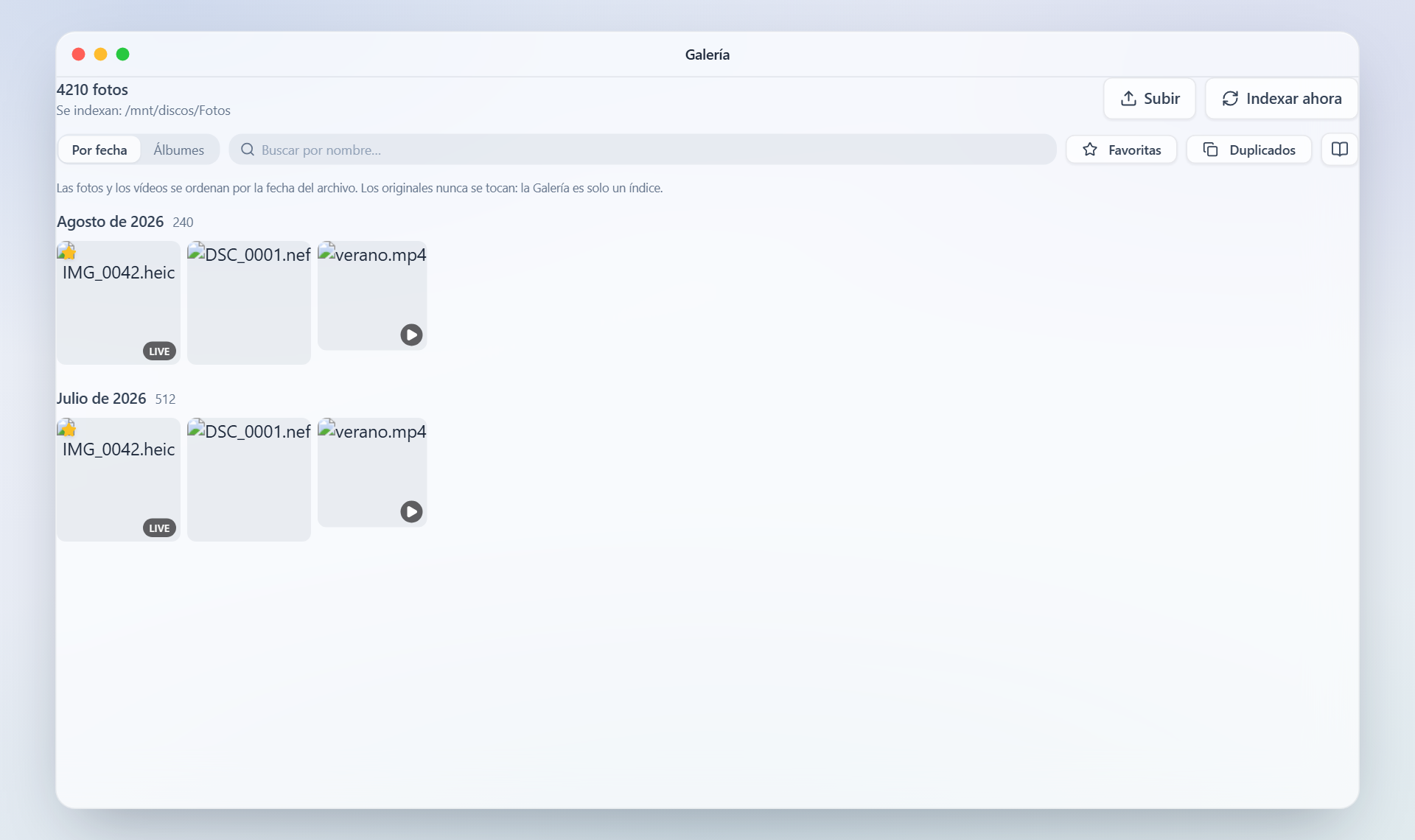
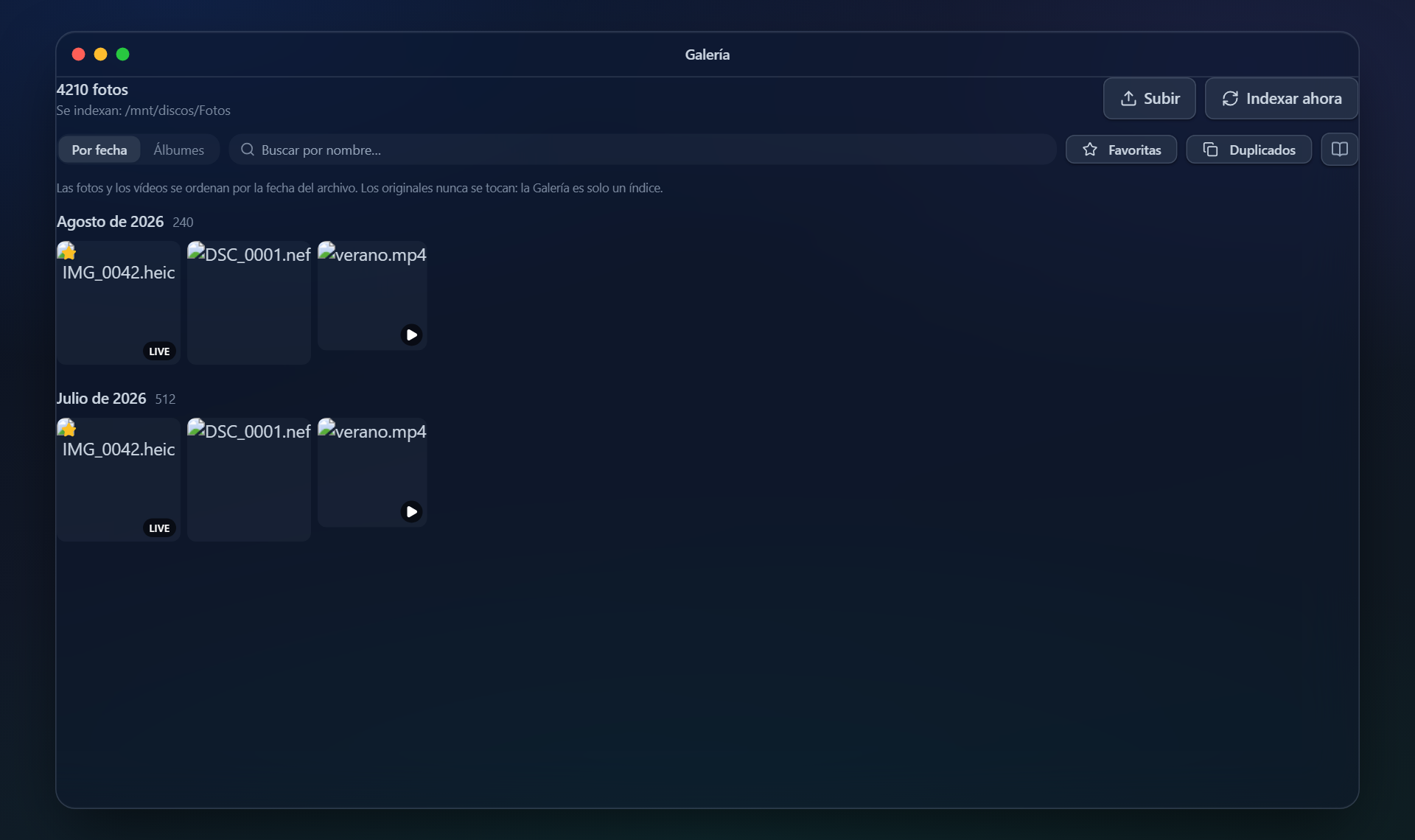
The photos and videos on the NAS, with albums, a timeline and thumbnails. Your photos, in your own home and with no monthly fee.
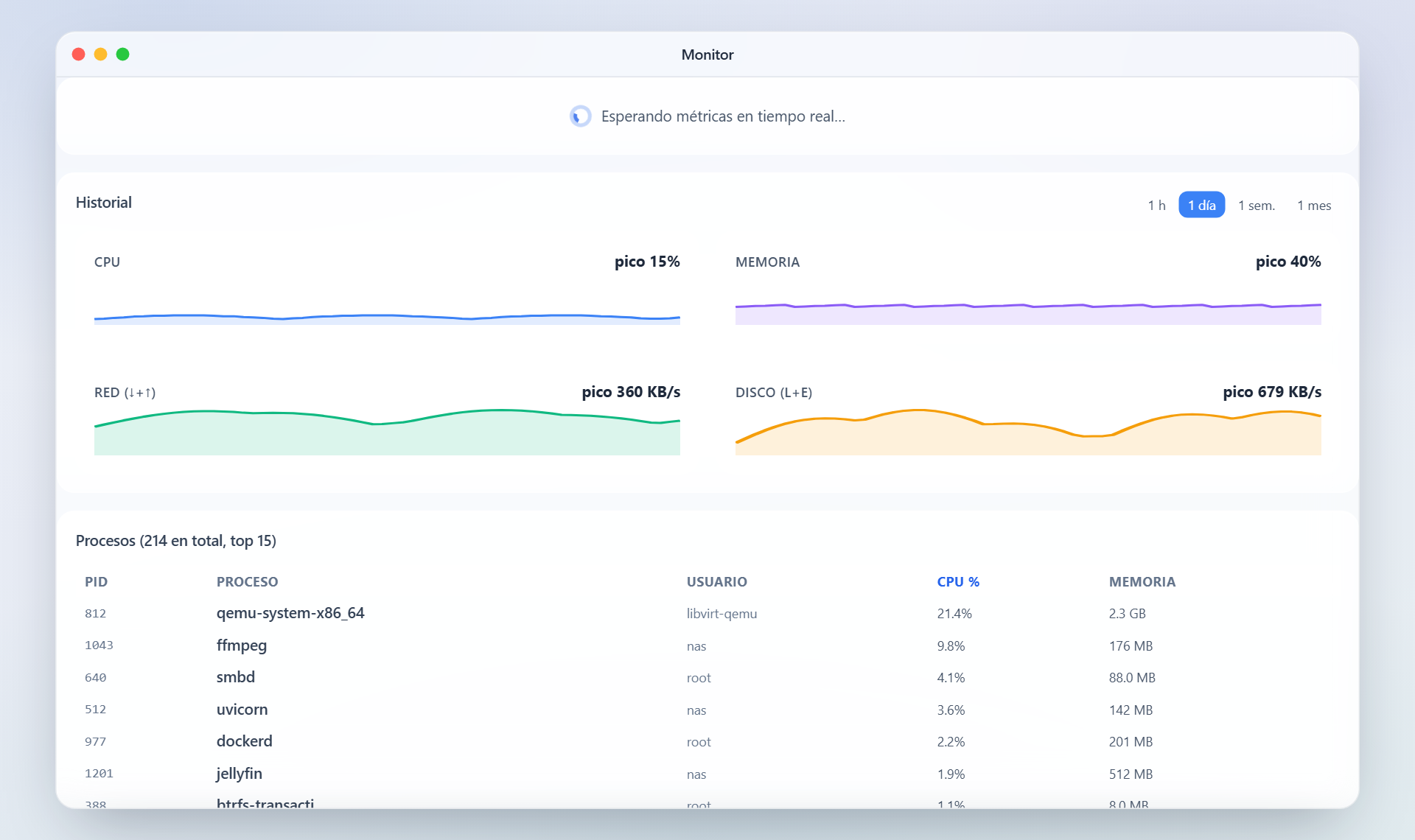
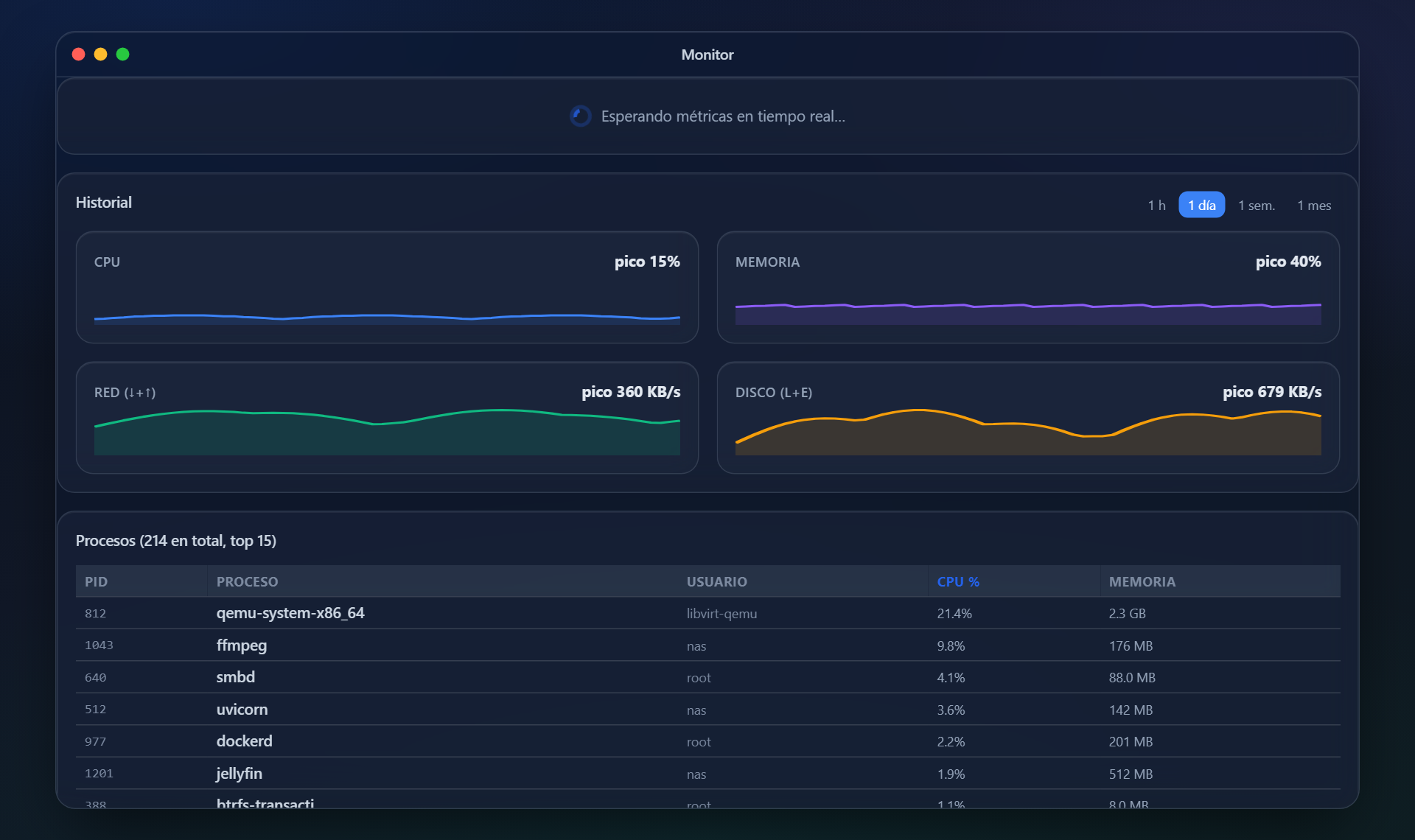
What is happening now and what happened last night: processor, memory, disks, network and temperatures, with history.
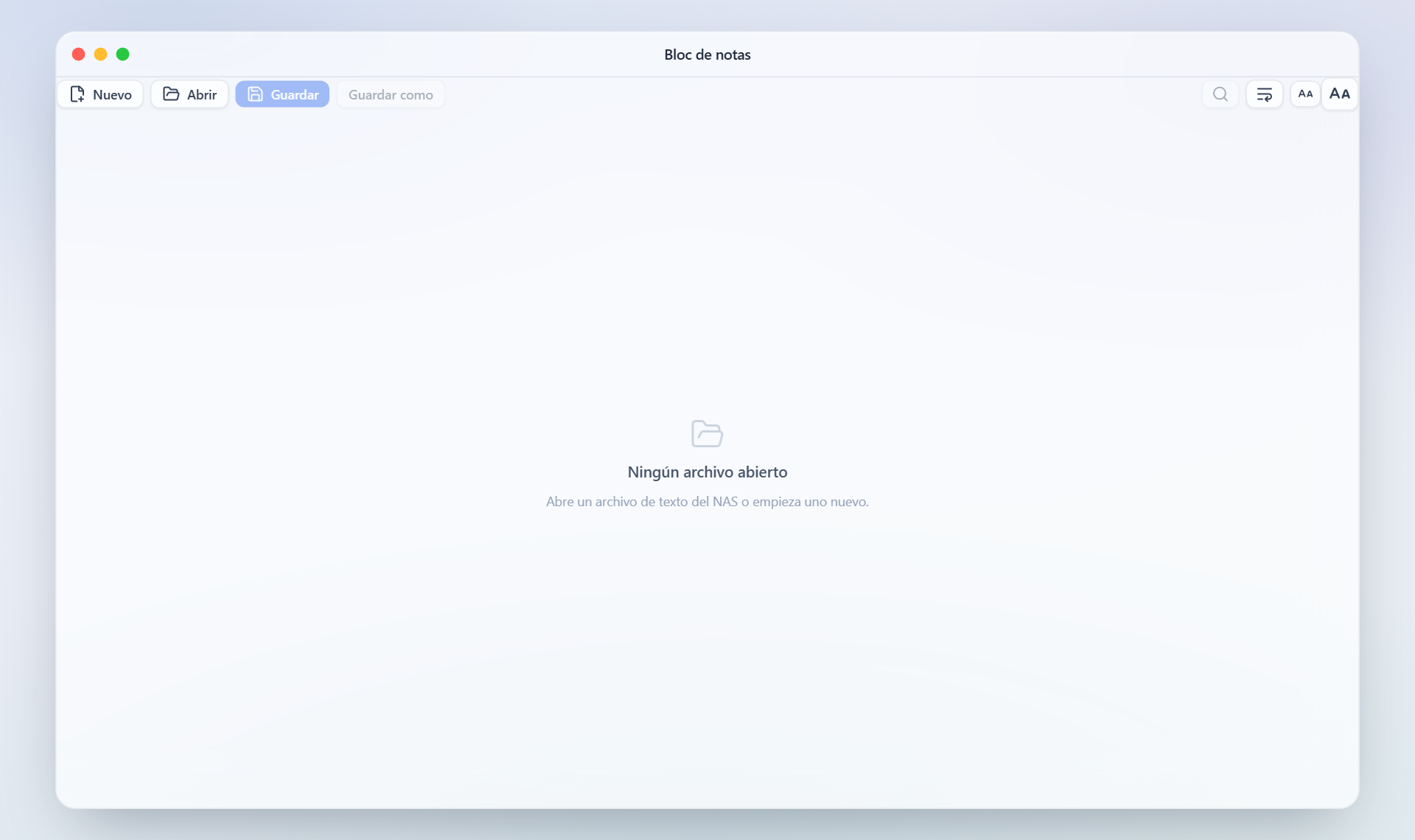
Markdown notes saved on your own NAS, not on anybody else's server.
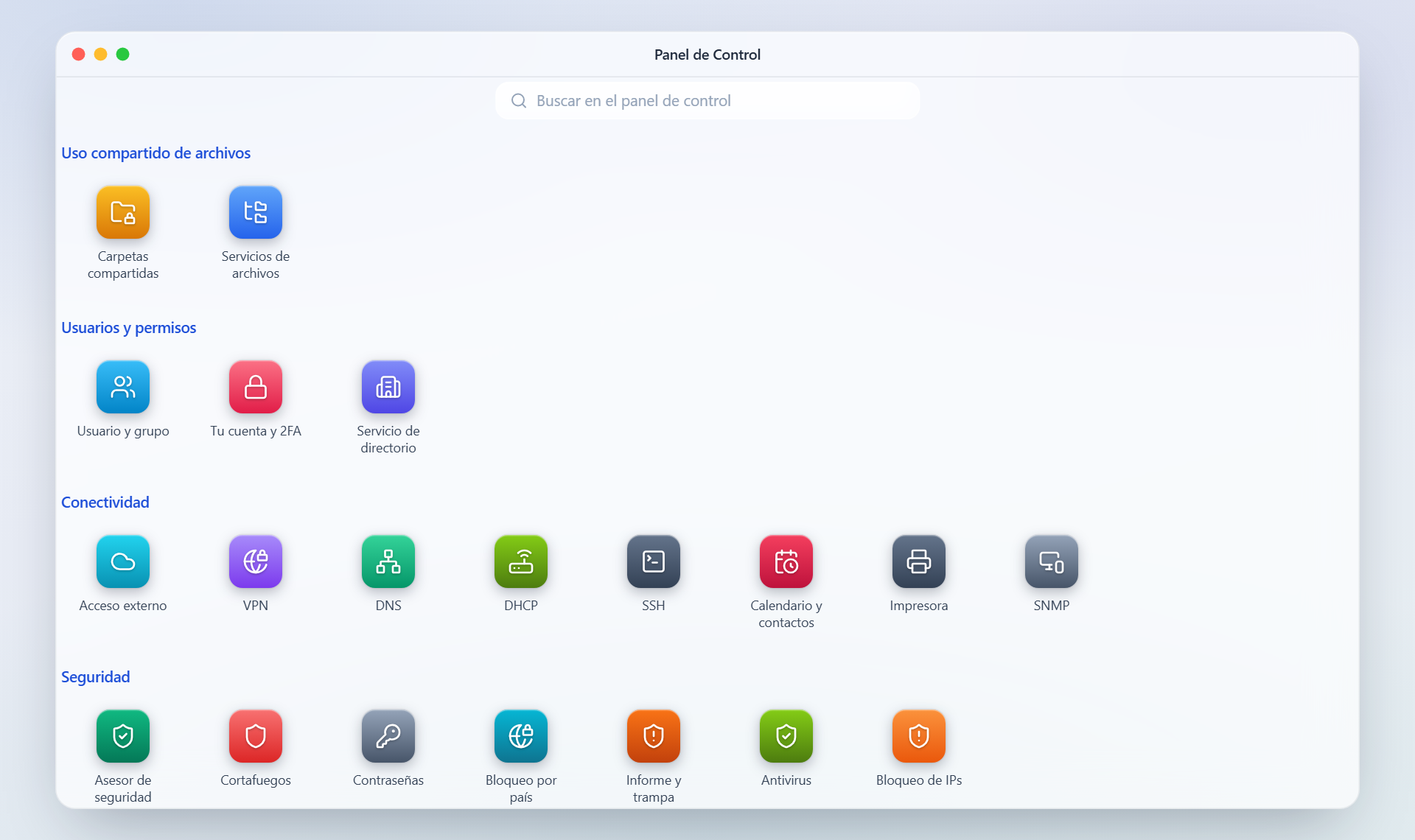
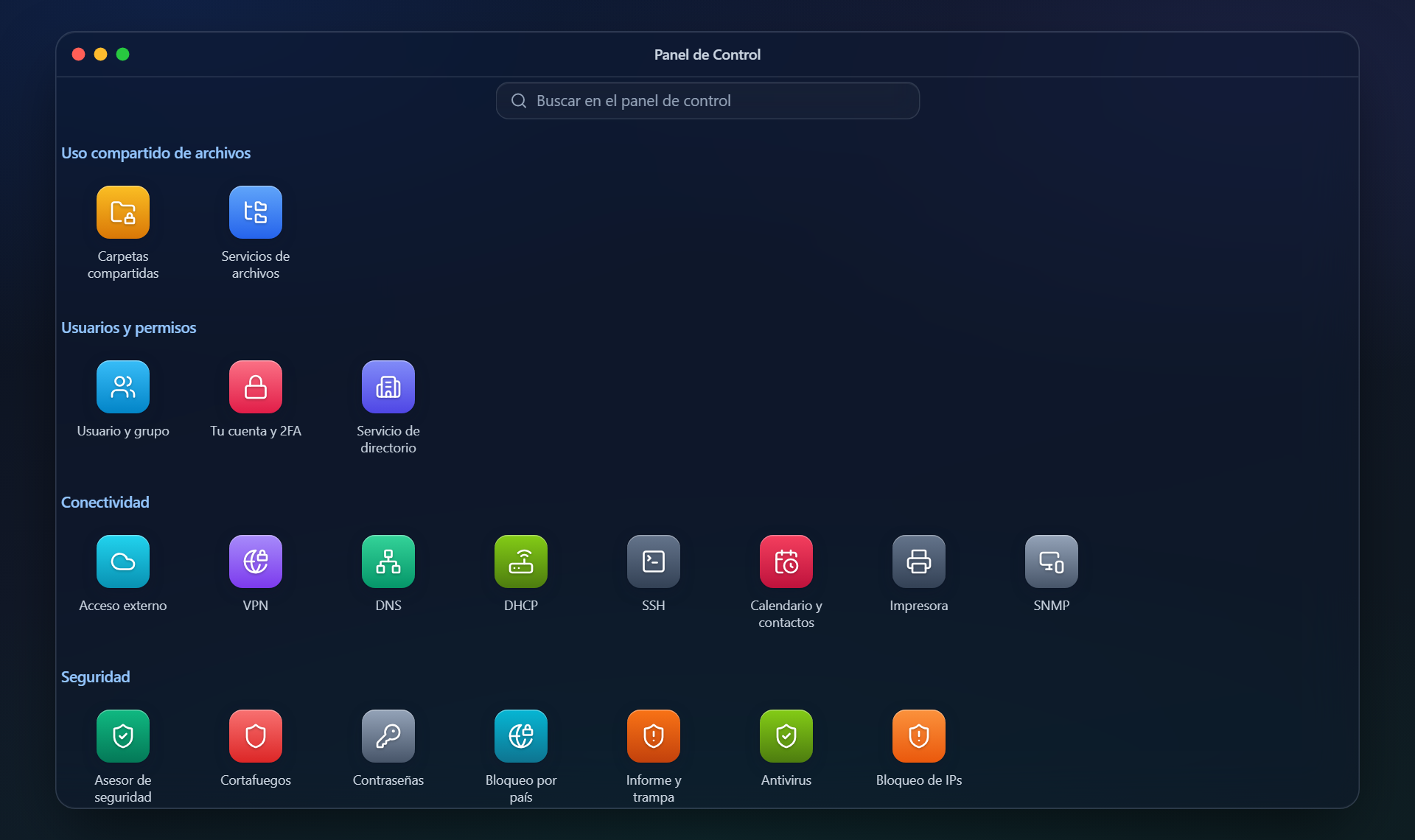
Thirty screens for the things you set once and forget: users and groups, network, services, certificates, alerts, UPS, updates and logs.
0 own recipes in the package centre, each with its logo and its data inside your volume. On top of that, the Unraid and CasaOS catalogues convert themselves, so the real list runs into the thousands.